Export Fault Trees to PDFs
R2026bYou can export fault tree diagrams to PDF files interactively or programmatically.
Export Fault Tree Diagrams
To export fault trees documents interactively:
Open a fault tree document.
In the Safety Analysis Manager, click Export.
Select the folder and enter a file name.
Click OK.
To export individual fault trees:
In the fault tree document, in the Opened Documents pane, expand the fault tree document, then select a fault tree.
Click Export > Export current Tree. The Safety Analysis Manager prompts you to select a folder and a file name.
To programmatically generate a fault tree PDF, use the exportToPDF function. If the specified folder contains PDFs that have the same
file names, the function overwrites the files.
View Fault Tree Diagram PDFs
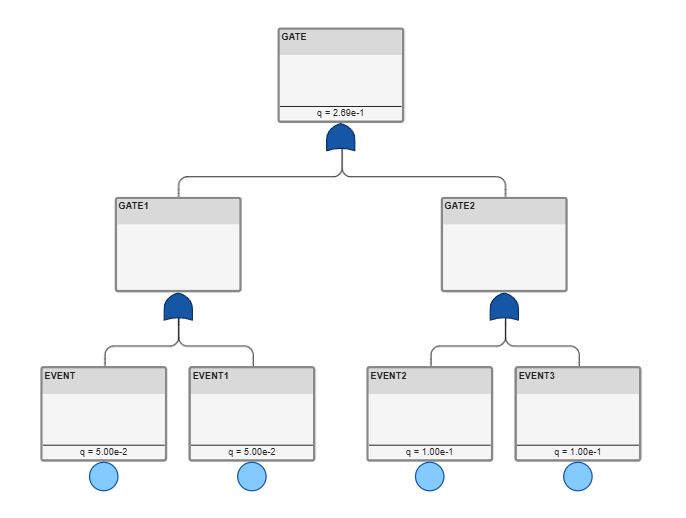
Each fault tree diagram replicates the appearance of the diagram, but does not include link or change detection badges. For example, if you evaluate the fault tree document and export the file, the gates and events include the q values.