New FPGA Board Wizard
R2026bCreate, configure, and add custom board for FPGA-in-the-loop workflows
Description
The New FPGA Board Wizard steps you through the workflow to enter the required information to add a board to the FPGA board list. This list applies to FPGA-in-the-loop (FIL) workflows.
Before adding an FPGA board, review FPGA Board Requirements to make sure that it is compatible with the workflow you want to use.
Add Boards Once for Multiple Users. To add new boards globally, follow these steps:
Create the following folder:
matlabroot/toolbox/shared/eda/board/boardfilesCopy the board description XML file to the
boardfilesfolder.After copying the XML file, restart MATLAB®. The new board appears in the FPGA board list for the FIL workflow.
Note
To access a board added globally, all users must be using the same MATLAB installation.
All boards under this folder appear in the FPGA board list automatically for users with the same MATLAB installation. You do not need to use FPGA Board Manager to add these boards again.
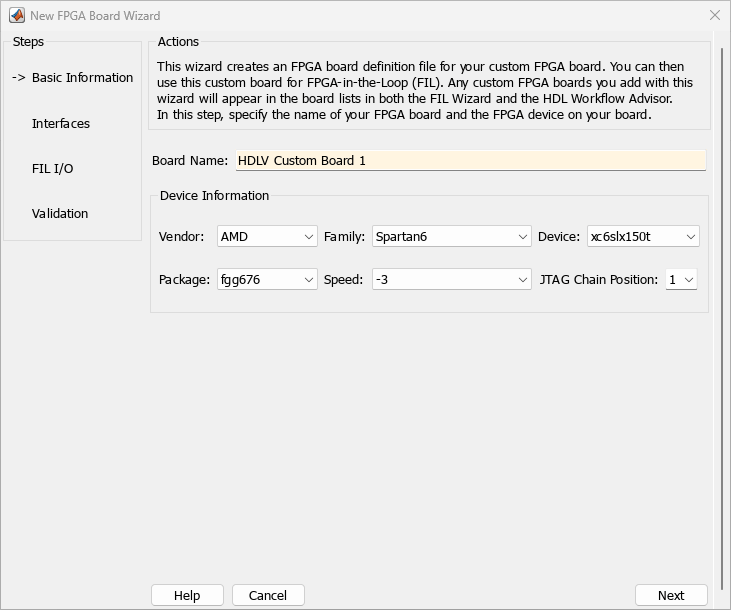
Open the New FPGA Board Wizard
FPGA Board Manager: Click Create Custom Board.
Examples
Parameters
Version History
Introduced in R2012b

