Get Started with ROS Data Analyzer App
The ROS Data Analyzer app enables you to open a live ROS or ROS 2 network, or to load a ROS or ROS 2 bag file into MATLAB®. You can visualize the content of all messages and create separate viewers for different message types to observe them during playback. You can also control the playback of the live topic or bag file.
Additionally, you can assign a unique tag to any ROS or ROS 2 bag file, serving as an identifier for that file. The app also enables you to bookmark specific events when reviewing messages from a bag file. You can then search any bag file by filtering through tags, bookmarks, or the types of visualizers used.
For more information on how to launch the app, see ROS Data Analyzer.
Video Walkthrough
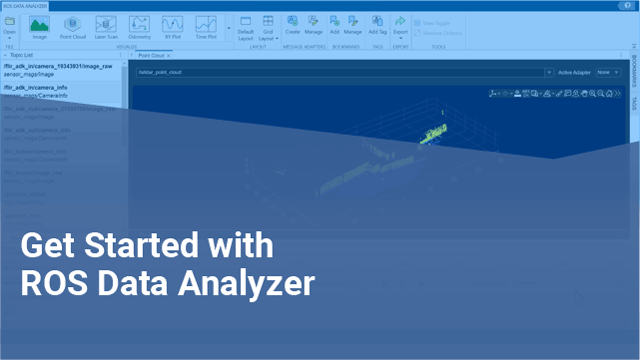
To get started with the app, play the video.
Visualize Bag File Data
Visualize Live Topic Data
Visualize Custom Message Data
This image shows the ROS Data Analyzer app interface with sample map and image message data displayed in the corresponding viewers.


