Balun
R2026bBalun block

To add a block to a model, double-click the canvas and start typing the block name. Then, select the block from the list.
Libraries:
RF Blockset /
Circuit Envelope /
Elements
Description
Use the Balun block to:
Connect balanced circuits such as differential LNAs with unbalanced sources such as antennas.
Generate equal‑amplitude, 180° out‑of‑phase signals for linear and symmetric operation.
Enable impedance transformation for maximum power transfer.
Examples
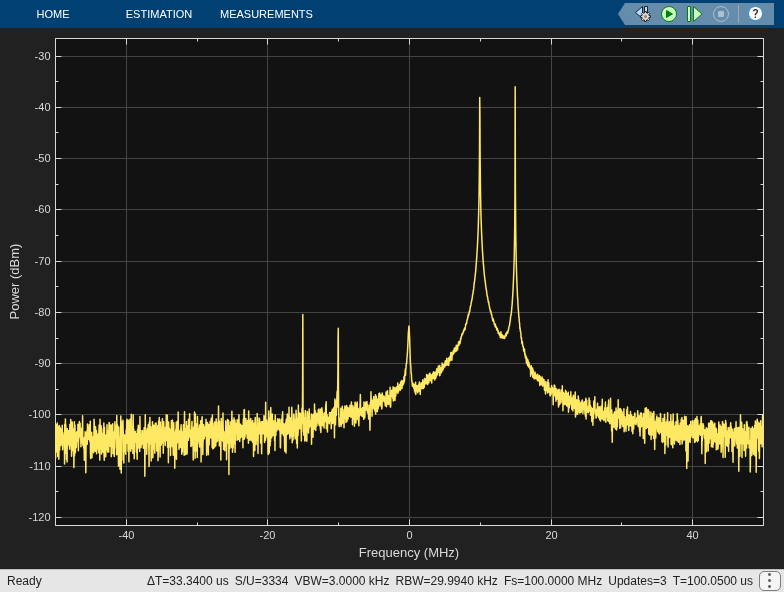
Build RF System Using Baluns
How baluns enable differential signaling in a RF transmitter chain.
Parameters
Programmatic Use: Add Block
To add the block programmatically, use the add_block function with one of these library block paths as the source.
"simrfV2elements/Balun"
Example: add_block("simrfV2elements/Balun","myModel/myBlock",MakeNameUnique="on")
Version History
Introduced in R2026b

