FPGA-in-the-Loop Simulation
R2026bRun a Simulink® or MATLAB® simulation that is synchronized with an HDL design running on an Altera® FPGA board.
Apps
| FPGA-in-the-Loop Wizard | Generate an FPGA-in-the-loop (FIL) block or System object from existing HDL files |
| Logic Analyzer | Visualize, measure, and analyze transitions and states over time |
Tools
| FPGA Board Manager | Create and manage custom FPGA boards for FPGA-in-the-loop workflows |
| New FPGA Board Wizard | Create, configure, and add custom board for FPGA-in-the-loop workflows |
| FPGA Board Editor | Edit custom board definition for FPGA-in-the-loop workflows |
Functions
programFPGA | Load programming file associated with FILSimulation or FILFreeRunning system
object onto FPGA |
readPort | Receive data from DUT ports (Since R2024b) |
writePort | Send data to DUT ports (Since R2024b) |
Objects
hdlverifier.FILSimulation | FIL simulation with MATLAB |
hdlverifier.FILFreeRunning | Free-running FIL simulation with MATLAB (Since R2024b) |
jtagchain | Detect and program FPGA through JTAG interface (Since R2026b) |
Blocks
 | FIL Simulation | Simulate HDL code on FPGA hardware from Simulink |
Topics
Overview
- FPGA-in-the-Loop Simulation
FPGA-in-the-loop (FIL) simulation provides the capability to use Simulink or MATLAB software for testing designs in real hardware for any existing HDL code. - FPGA-in-the-Loop Simulation Workflows
Choose between generating a block or System object™, and decide whether to use the FIL Wizard or HDL Workflow Advisor.
FIL Requirements and Preparation
- Prepare DUT For FIL Interface Generation
DUT guidelines for FIL simulation of blocks and System objects. - Set Up FPGA Design Software Tools
Set the MATLAB path to AMD®, Microchip, and Intel® software. - Manual Hardware Setup
Describes the steps necessary to prep hardware and hardware tools for FIL. - Configure Logic Analyzer
Adjust settings in the Logic Analyzer.
Generate FIL Interface from Legacy Code
- Block Generation with the FIL Wizard
Generate a FPGA-in-the-Loop block from existing HDL source files, then include the FPGA implementation in a Simulink simulation. - System Object Generation with the FIL Wizard
Generate a FPGA-in-the-Loop System object from existing HDL source files, then include the FPGA implementation in a MATLAB simulation.
Free Running FIL
- What Is Free-Running FPGA-in-the-Loop?
Introduction and requirements for free-running FIL. - Execute Free-Running FPGA-in-the-Loop
Generate a free-running FPGA-in-the-Loop System object, then include the FPGA implementation in a MATLAB simulation. - Execute Free-Running FPGA-in-the-Loop Using HDL Workflow Advisor
Generate a free-running FPGA-in-the-Loop System object by using the HDL Workflow Advisor, then include the FPGA implementation in a MATLAB simulation.
Generate FIL System Object from MATLAB Code
- FIL Simulation with CLI Commands for MATLAB
Generate an FPGA-in-the-loop System object and testbench using CLI commands.
Generate FIL Block from Simulink Model
- Generate Test Bench and Enable Code Coverage Using the HDL Workflow Advisor
Generate test bench and code coverage for generated HDL code using the HDL Workflow Advisor. - FIL Simulation with HDL Workflow Advisor for Simulink
Generate an FPGA-in-the-loop model using HDL Workflow Advisor.
FPGA Board Manager
- FPGA Board Customization
Create board definition files for FPGA verification projects. - Create Custom FPGA Board Definition
Run the New FPGA Board Wizard to setup a custom board.
Featured Examples
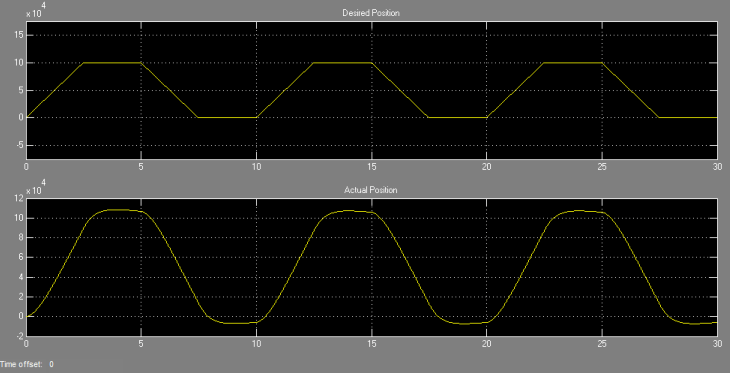
Verify HDL Implementation of PID Controller Using FPGA-in-the-Loop for Altera and Microchip Devices
Set up an FPGA-in-the-Loop (FIL) application using HDL Coder™.
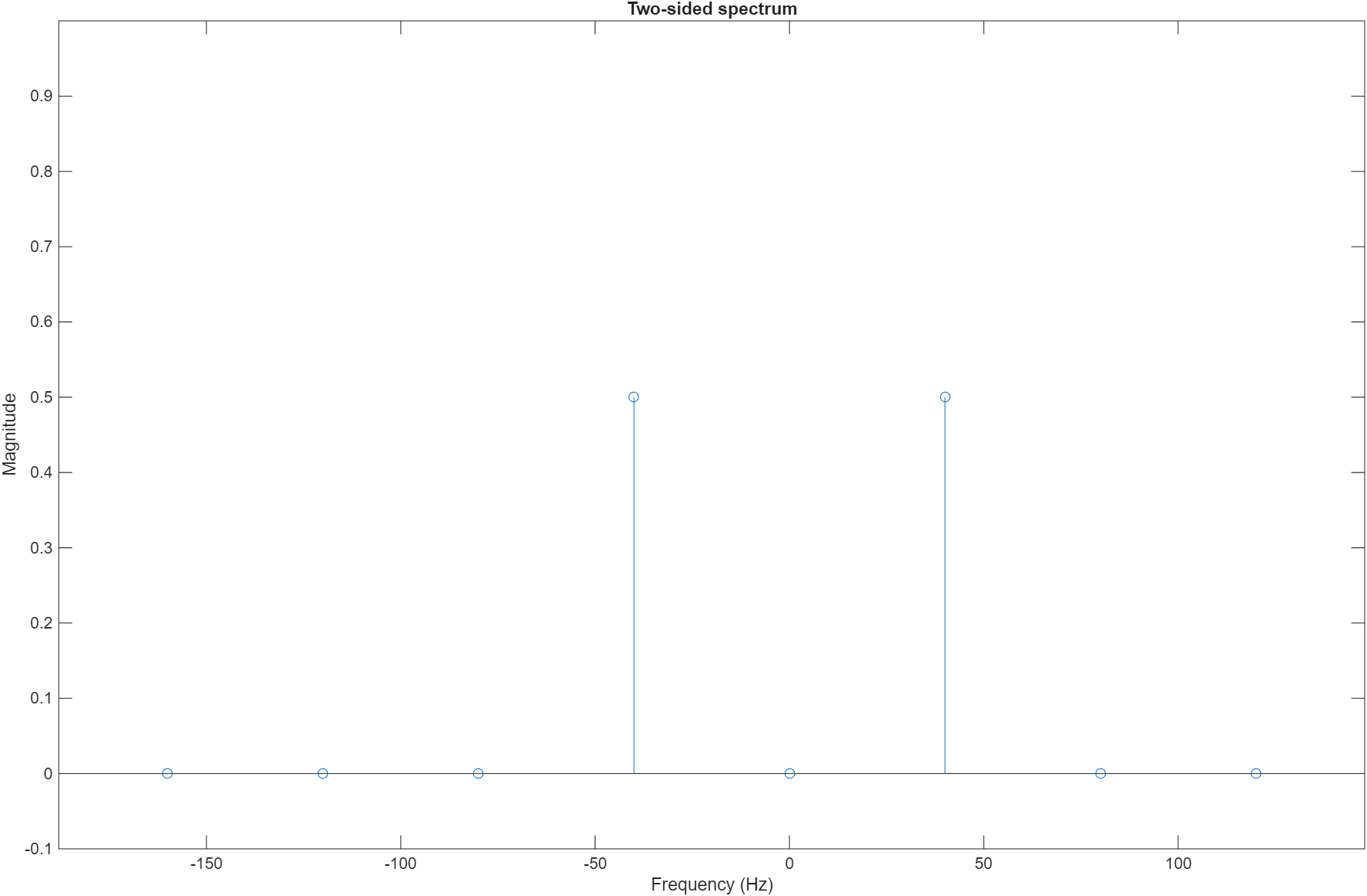
FPGA-in-the-Loop Simulation Using MATLAB System Object
Uses a MATLAB® System object™ and an FPGA to verify a register transfer level (RTL) design of an 8-point Fast Fourier Transform (FFT) written in VHDL®. The FFT is commonly used in digital signal processing to produce the frequency distribution of a signal.

Verify Viterbi Decoder Using MATLAB System Object and FPGA-in-the-Loop
Use MATLAB® System objects and FPGA-in-the-Loop to simulate a Viterbi decoder implemented in VHDL® on an FPGA.
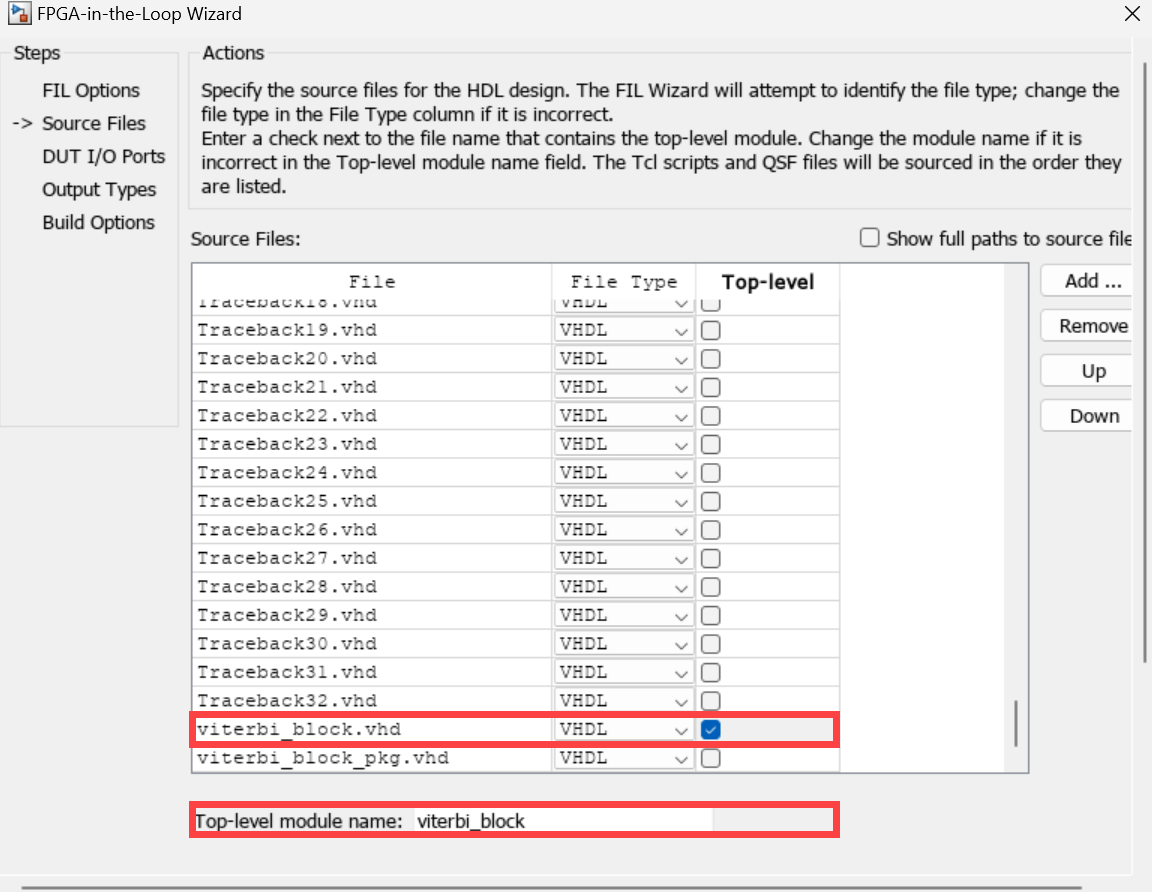
Accelerate Communications System Simulation Using FPGA-in-the-Loop for Altera and Microchip Devices
Uses FPGA-in-the-loop (FIL) simulation to accelerate part of a communications system. The application uses the Viterbi algorithm to decode a convolutional encoded random stream that is BPSK modulated, sent through an AWGN channel, and then demodulated. Using a sample-by-sample approach leads to a modest speedup over normal Simulink® simulation, while using the "Process as Frames" option leads to further speedup.
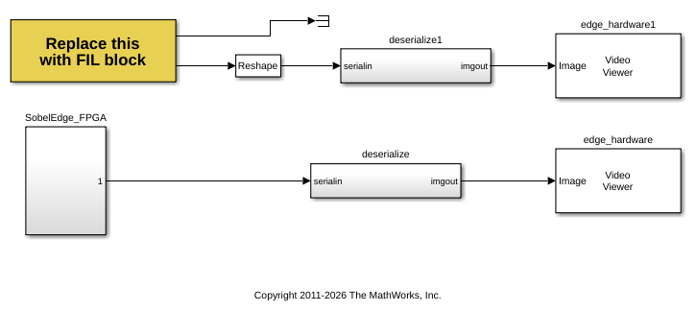
Algorithm Verification with a FIL Source Block for Altera Devices
Verify an HDL design quickly and efficiently using FPGA-in-the-Loop (FIL). The testbench is synthesized together with the Design Under Test (DUT), the result is downloaded to an FPGA board, and the test is run with FIL. Using FIL for this process enables high speed generation and processing of test stimulus, with results returned to Simulink® for analysis. This example executes these tasks for an image processing use case.

