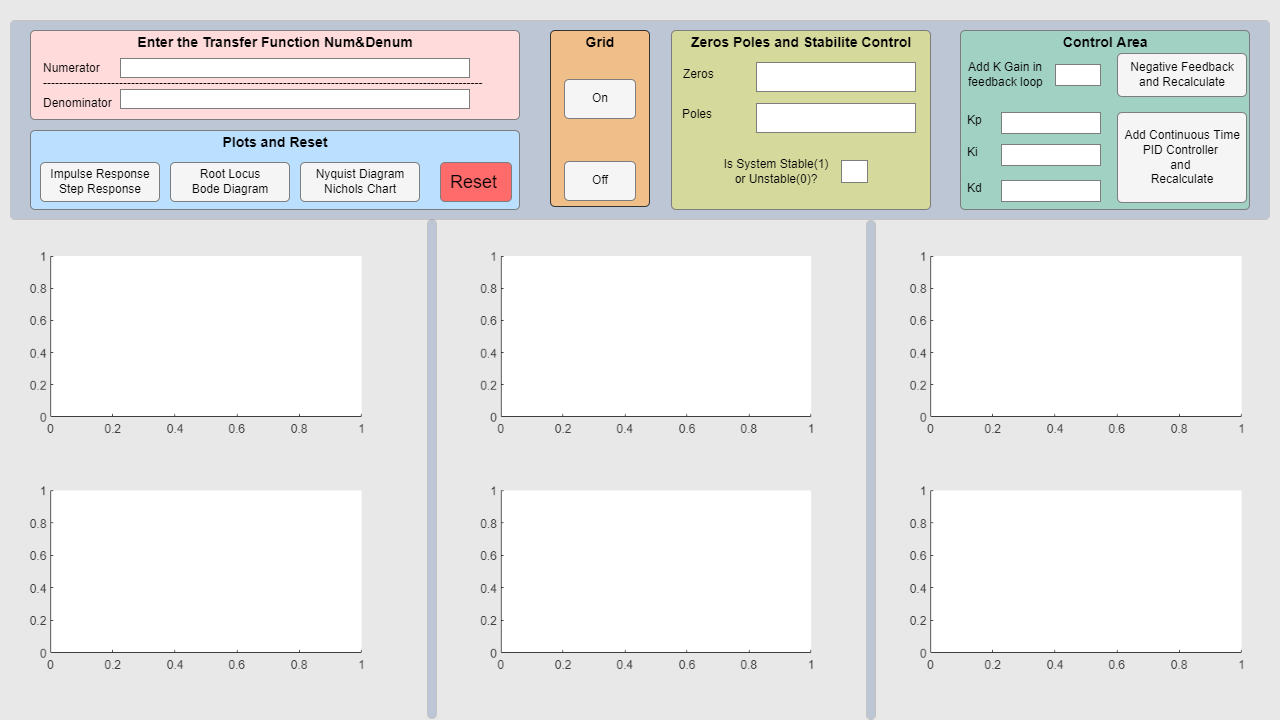
Transfer Function Analyzer
Enter Transfer Func. num denum. Plotting impulse, step, bode, rlocus, nyquist, nichols. Calculate zeros, poles, stability. Add PID control.

Ahora está siguiendo esta publicación
- Verá actualizaciones en las notificaciones de contenido en seguimiento.
- Podrá recibir correos electrónicos, en función de las preferencias de comunicación que haya establecido.
Citar como
Ismail Koray (2026). Transfer Function Analyzer (https://es.mathworks.com/matlabcentral/fileexchange/160311-transfer-function-analyzer), MATLAB Central File Exchange. Recuperado .
Información general
- Versión (155 KB)
Compatibilidad con la versión de MATLAB
- Compatible con cualquier versión desde R2023b hasta R2024a
Compatibilidad con las plataformas
- Windows
- macOS
- Linux
| Versión | Publicado | Notas de la versión | Action |
|---|---|---|---|
| 1.0.0 |

