Introducción a la interfaz de conectividad Real-Time Data Exchange (RTDE)
R2026aRobotics System Toolbox Support Package for Universal Robots UR Series Manipulators permite conectar y controlar cobots físicos de Universal Robots o cobots simulados en URSim utilizando paquetes de Universal Robots por Real-Time Data Exchange (RTDE).
Después de completar la configuración inicial de RTDE (como se explica en Configuración para conectar manipuladores de la serie UR por RTDE), puede establecer una conexión entre URControl (el controlador de robot de bajo nivel con Mini-ITX PC en la caja de control) y MATLAB® (cliente), y programar el cobot usando funciones basadas en URScript.
El objeto urRTDEClient tiene funciones para controlar ángulos de articulación y pose cartesiana individuales del robot. Funciones más avanzadas muestran cómo utilizar las características de Robotics System Toolbox para calcular ángulos de articulación requeridos para realizar el seguimiento fluido de una trayectoria sin obstáculos en el espacio 3D y ordenar al robot que realice un seguimiento de la trayectoria precalculada.
Funciones
urRTDEClient | Conectarse al cobot simulado o físico de Universal Robots por RTDE (Desde R2024a) |
followCartesianWaypoints | Command robot to move along the desired Cartesian waypoints (Desde R2024a) |
followJointWaypoints | Command robot to move along the desired joint space waypoints (Desde R2024a) |
readCartesianPose | Get current end-effector pose from the robot (Desde R2024a) |
readEndEffectorVelocity | Get current end-effector velocities from the robot (Desde R2024a) |
readJointConfiguration | Obtener la configuración de articulación actual del robot (Desde R2024a) |
readJointVelocity | Get current joint velocities from the robot (Desde R2024a) |
readMotionStatus | Get current motion status of the robot (Desde R2024a) |
recordRobotState | Log the key robot state parameters during motion of robot (Desde R2024a) |
sendJointConfiguration | Command robot to move to desired joint configuration (Desde R2024a) |
sendJointConfigurationAndWait | Command robot to move to joint configuration and wait for the motion to complete (Desde R2024a) |
sendCartesianPoseAndWait | Command robot to move to desired Cartesian pose and wait for the motion to complete (Desde R2024a) |
manageGripperAttachment | Attach or detach gripper connected to Universal Robots cobot (Desde R2024a) |
actuateGripper | Control attached gripper with grip or release action (Desde R2024a) |
sendServoJCommands | Send Servoj commands (Desde R2024a) |
sendSpeedJCommands | Send speedj commands (Desde R2024a) |
executeURScriptCommand | Enviar el comando URScript para controlar un cobot mediante interfaz RTDE (Desde R2024a) |
urClientRigidBodyTree | Load rigid body tree model of Universal Robots UR Series cobot (Desde R2026a) |
Bloques
 | Actuate Gripper | Actuate gripper connected to cobot (Desde R2025a) |
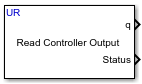 | Read Controller Output | Read specified signals from UR Controller using RTDE interface (Desde R2025a) |
 | Read Motion Status | Read motion status of cobot from UR Controller using RTDE interface (Desde R2025a) |
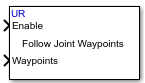 | Follow Joint Waypoints | Command UR Series cobot using the RTDE interface to follow a specified set of joint positions (Desde R2025a) |
 | Read Joint Configuration | Read current joint configuration from UR Controller using RTDE interface (Desde R2025a) |
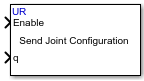 | Send Joint Configuration | Command the UR cobot using the RTDE interface to move to a specified joint configuration (Desde R2025a) |
Ejemplos destacados
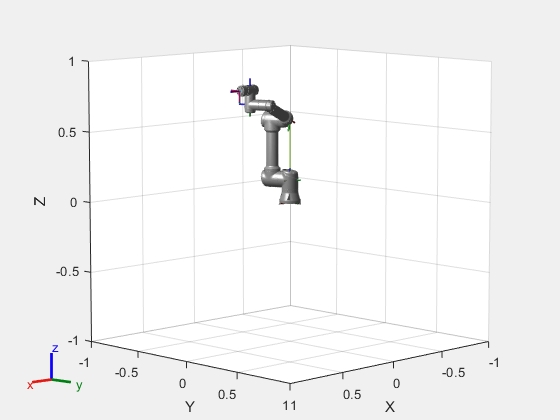
Getting Started with Connecting and Controlling a UR5e Cobot from Universal Robots Using RTDE Interface
Use the urRTDEClient object to connect to a Universal Robots cobot and move the robot using joint space control, task space control, waypoint tracking in task space, and waypoint tracking in joint space. This example uses Robotics System Toolbox™ Support Package for Universal Robots UR Series Manipulators.
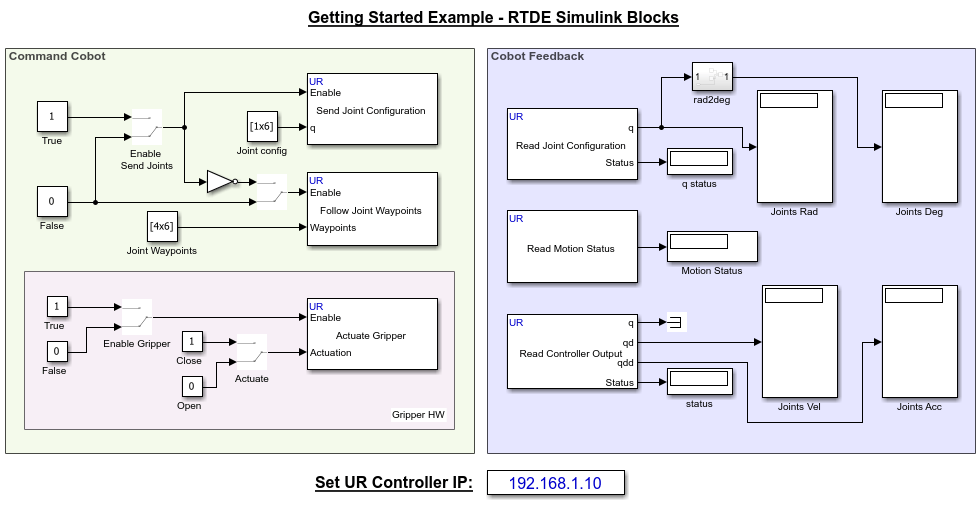
Getting Started with UR RTDE Blocks Library to Control UR Series Cobot from Simulink
Use Simulink blocks under UR RTDE Blocks Simulink Library to manipulate motion of UR Series cobot using joint configuration or joint space waypoints, and obtain feedback from the cobot.
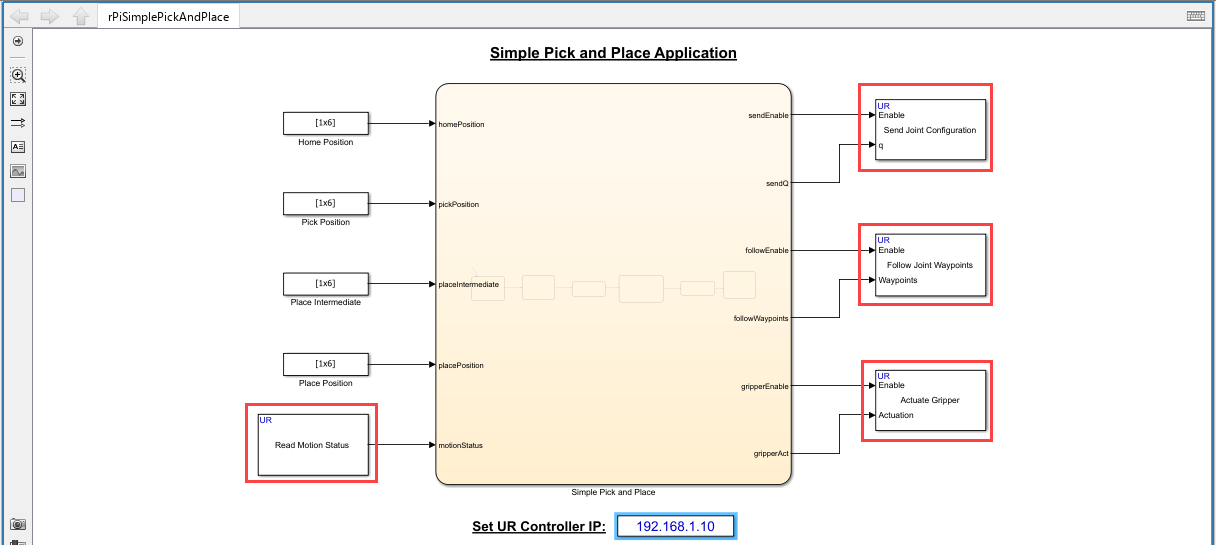
Pick and Place Objects Using Stateflow and RTDE Blocks by Deploying to a Raspberry Pi Board
Use a combination of Stateflow® and Simulink® RTDE (Real-time Data Exchange) blocks to perform a pick-and-place operation using Universal Robots UR Series cobot. The example deploys the code to a Raspberry Pi board, which acts as a controller for the connected cobot.

