Analog Peripherals
Create Simulink® models with the analog peripherals such as ADC, Comparator, DAC, and more available with STM32™ Microcontroller Blockset. Configure the Simulink model to interface with supported target hardware using model configuration parameters.
Support for STM32 processor based board with Simulink uses STM32CubeMX graphical tool. STM32CubeMX tool is a graphical interface that you can use to configure peripherals of STM32 processors and generate peripheral initialization code for the STM32 processors that you select. You can configure the STM32 processor based boards to use the STM32CubeMX project with Simulink to generate code and deploy the code to the hardware.
Blocks
| Analog to Digital Converter | Convert analog signal on ADC input pin to digital signal (Since R2021b) |
| Comparator | Compare two analog inputs on peripheral and provide results (Since R2023b) |
| Digital to Analog Converter | Configures the DAC to generate an analog voltage on the specified DAC channel (Since R2023a) |
Topics
- Configure STM32CubeMX with Simulink
Configure STM32 processor-based boards using an STM32CubeMX project in Simulink.
- Set Up Scheduling Options for STM32 Processor-Based Boards
Configure single-rate or multi-rate scheduling on an STM32 processor.
Featured Examples
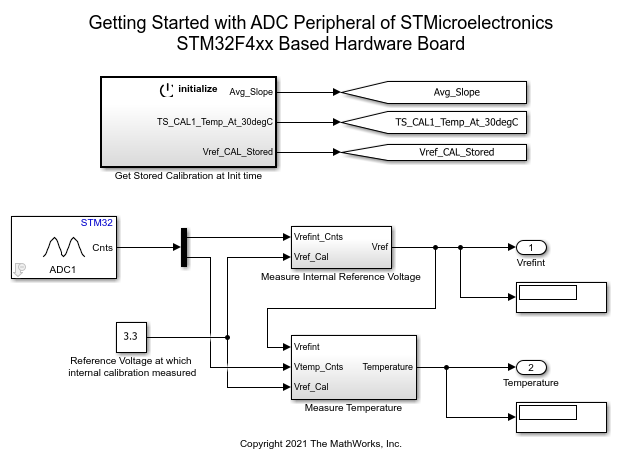
Read Analog Voltages from External Sensors on an STM32 Processor
Measure analog signals on an STM32 processor by using the Analog to Digital Converter (ADC) block.
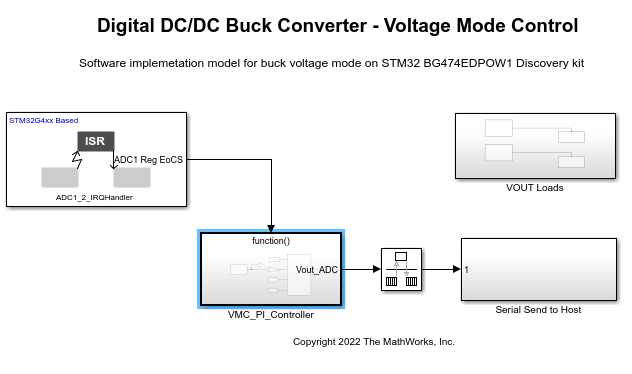
Voltage Mode Control of DC-DC Buck Converter and Boost Converter Using STMicroelectronics STM32 Processor
Implement a DC-DC buck converter or Boost Converter control system using the B-G474E-DPOW1 Discovery kit for STM32™ Microcontroller Blockset.
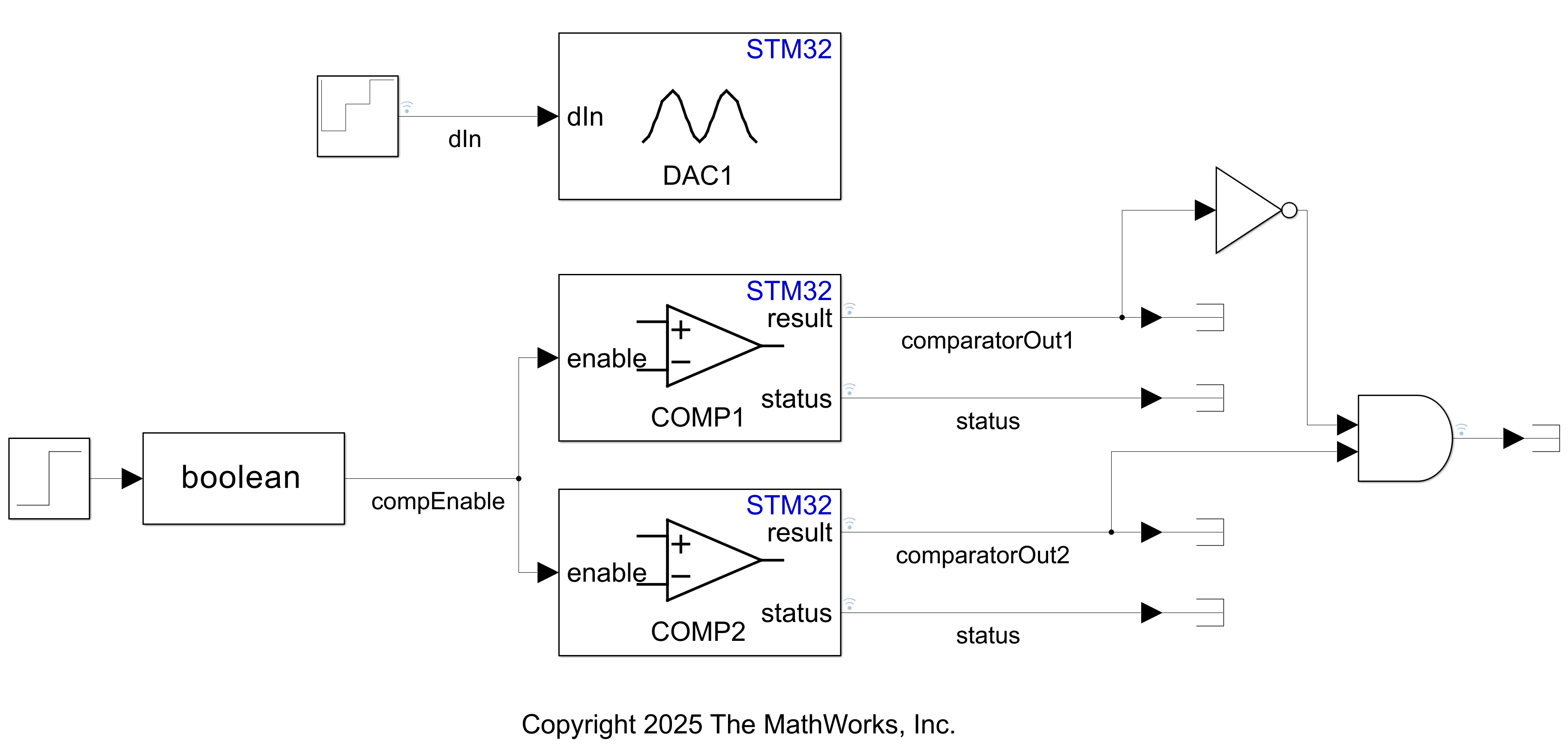
Compare DAC Converter Output Signals to Reference Signals on an STM32 Microcontroller Using Comparator Block
Evaluate DAC outputs against reference signals on STM32.
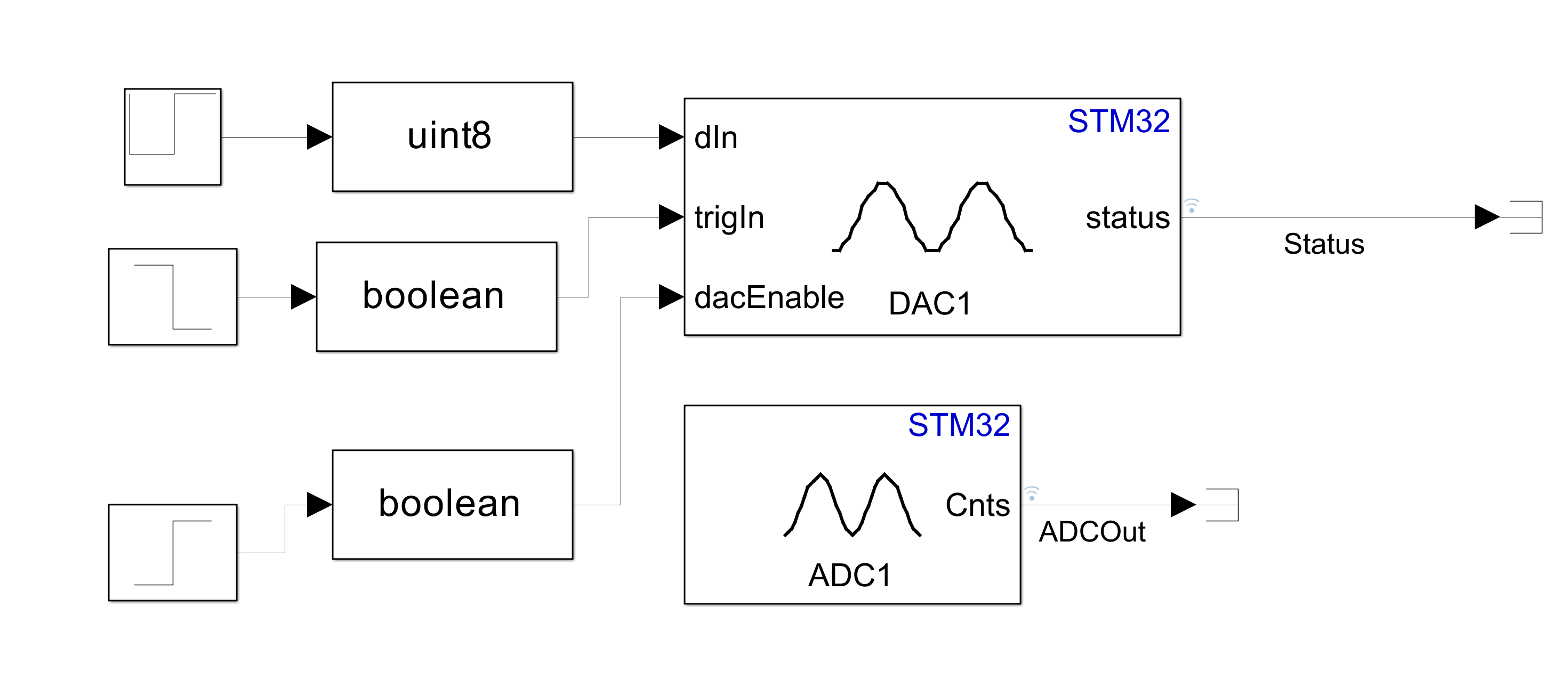
Model DAC and ADC for Signal Conversion on STM32 Processor
Model Signal and Voltage Conversion using DAC and ADC blocks.
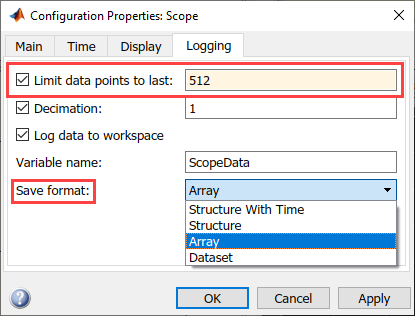
MAT File Logging on SD Card for STMicroelectronics STM32 Processors
Perform MAT-file logging using Simulink model on a Micro SD card mounted on an STMicroelectronics STM32 Discovery board.

