Do you prefer spaces surrounding equals signs in code?
La encuesta se cerrará el 30 de Jun. de 2026
6 Comentarios
Tiempo descendente
With this File Exchange submission,
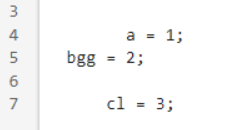
you can install a Quick Access Toolbar favorite (favoriteAlignEquals.m) to reformat mouse-selected code so that they align at equals signs, and with spaces around them.
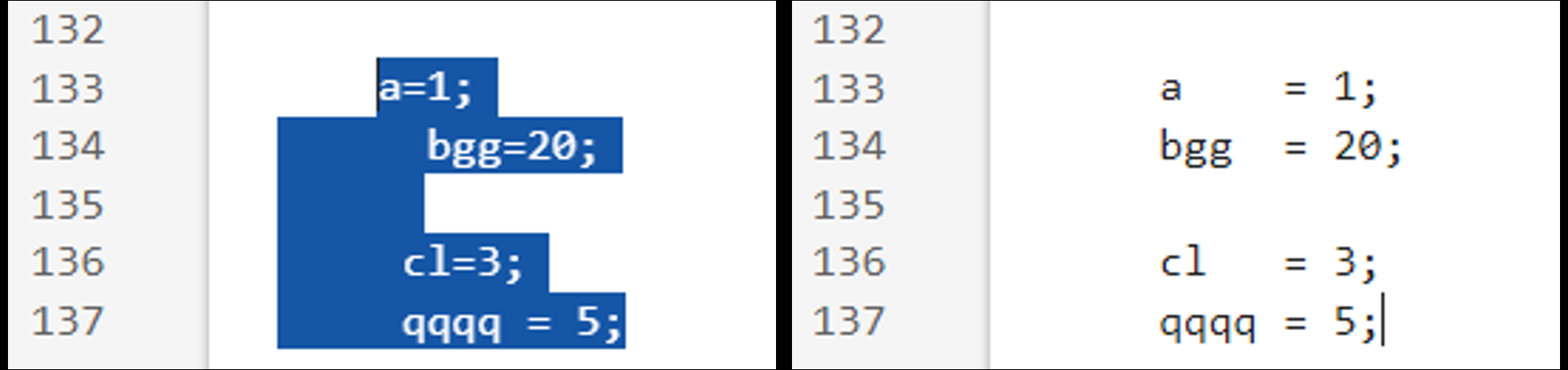
I've also attached a modification that omits the alignment and just keeps the space insertions, if that is your preference.
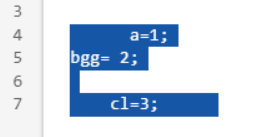 =====>

Thanks for pointing this out.
I am surprised that MathWorks have not incorporated more such tools in the settings and editor features.

I think spaces get out of control and only use them to separate logical operations (==, &, etc.). I don't generally use spaces around equal sign but can tolerate them unless someone is using them between every operator, variable, and parenthesis/brace/bracket.
c=sqrt(a^2+b^2) % my preference
c = sqrt(a^2+b^2) % I will allow it
c = sqrt( a^2 + b^2) % too much
c = sqrt( a ^ 2 + b ^ 2) % you are killing me

For code I want to look neat and tidy I prefer spaces, but for quick&dirty code I mix the two (I know, I know).
For == however, I have a much stronger preference for spaces, especially if the full expression is longer than a dozen characters.

Without spaces, it appears way too cramped to my eye. I dislike it as much as many of my former MathWorks coworkers dislike underscores. 🙂
var=no;

Inicie sesión para participar

