Image Processing and Computer Vision
R2026bWith image processing and computer vision products from MathWorks®, you can perform end-to-end processing workflows from data acquisition and preprocessing, to enhancement and analysis, through deployment onto embedded vision systems.
These products enable a large variety of workflows for image, video, point cloud, lidar, and hyperspectral data. Using these products, you can:
Interactively visualize, explore, label, and process data using apps.
Enhance and analyze data algorithmically.
Perform semantic segmentation, object detection, classification, and image-to-image translation using deep learning.
Interface with hardware for image acquisition, algorithm acceleration, desktop prototyping, and embedded vision system deployment.
Products for Image Processing and Computer Vision
Image Processing Toolbox
Perform image processing, visualization, and analysis
Computer Vision Toolbox
Design, simulate, calibrate, and deploy computer vision systems
Visual Inspection Toolbox
Design and test visual inspection and analysis applications
Point Cloud Toolbox
Design, analyze, and test point cloud processing systems
Medical Imaging Toolbox
Visualize, register, segment, and label 2D and 3D medical images
Vision HDL Toolbox
Design image processing, video, and computer vision systems for FPGAs and ASICs
Image Acquisition Toolbox
Acquire images and video from industry-standard hardware
Topics
Label and Preprocess Data
- Choose an App to Label Ground Truth Data (Computer Vision Toolbox)
Decide which app to use to label ground truth data: Image Labeler, Video Labeler, Multi-Sensor Labeler, Signal Labeler, or Medical Image Labeler. - Get Started with Image Preprocessing and Augmentation for Deep Learning (Image Processing Toolbox)
Preprocess data for deep learning applications with deterministic operations such as resizing, or augment training data with randomized operations such as random cropping. - Get Started with Vision-Language Models (Computer Vision Toolbox)
Use vision-language models for multimodal tasks such as image captioning, zero-shot classification, and image search. - Choose an Image Registration Technique (Image Processing Toolbox)
Register images using the Registration Estimator app, or select from techniques including automated feature matching, intensity-based registration, or control point registration.
Detect and Track Objects
- Get Started with Object Detection Using Deep Learning (Computer Vision Toolbox)
Perform object detection using deep learning neural networks such as YOLOX, YOLO v4, RTMDet, and SSD. - Object Detection in Point Clouds Using Deep Learning (Point Cloud Toolbox)
Detect 3-D bounding boxes for objects in a point cloud.
Segment Images and Point Clouds
- Get Started with Image Segmentation (Image Processing Toolbox)
Get started with tools for image segmentation, including Segment Anything Model, classical segmentation techniques, and deep learning-based semantic and instance segmentation. - Segment Objects Using Segment Anything Model (SAM) in Image Segmenter (Image Processing Toolbox)
Interactively segment objects or automatically segment the entire image using the Segment Anything Model (SAM) in the Image Segmenter app. (Since R2024b) - Semantic Segmentation in Point Clouds Using Deep Learning (Point Cloud Toolbox)
Assign class labels to each point inside a point cloud using deep learning.
Filter and Analyze Images
- Get Started with Image Filtering (Image Processing Toolbox)
Get started with techniques for image filtering. - Calculate Properties of Image Regions Using Image Region Analyzer (Image Processing Toolbox)
Calculate the properties of regions in binary images and identify the region with the largest area by using the Image Region Analyzer app. - Get Started with Visual Inspection (Visual Inspection Toolbox)
Learn about Visual Inspection Toolbox™ capabilities for automated inspection, defect detection, metrology, and object counting in industrial applications.
3-D Vision and Visual SLAM
- Choose SLAM Workflow Based on Sensor Data (Computer Vision Toolbox)
Choose the right simultaneous localization and mapping (SLAM) workflow and find topics, examples, and supported features. - What Is Structure from Motion? (Computer Vision Toolbox)
Estimate three-dimensional structures from two-dimensional image sequences. - What Is Multi-Sensor Calibration? (Computer Vision Toolbox)
Estimate the geometric relationships between multiple sensors mounted on the same platform.
Design Optical Systems and Acquire Image Data
- Get Started with Optical Design and Simulation (Image Processing Toolbox)
Use optical design and analysis tools to simulate and tune optical system performance for optics applications. - Get Started with Image Acquisition Explorer (Image Acquisition Toolbox)
Use the Image Acquisition Explorer to preview, configure, acquire, and save image data.
Deploy on Hardware
- Deploy Visual Inspection Code, Models, and Applications (Visual Inspection Toolbox)
Deploy visual inspection code, models, and applications to production environments using ONNX export, code generation, or standalone application packaging. - GPU Code Generation Workflow (GPU Coder)
Design, implement, and verify generated CUDA MEX for acceleration and standalone CUDA code for deployment. - Integrate YOLO v2 Vehicle Detector System on SoC (Vision HDL Toolbox)
Simulate a YOLO v2 vehicle detection algorithm that contains FPGA and ARM sections for deployment to an SoC device.
Featured Examples
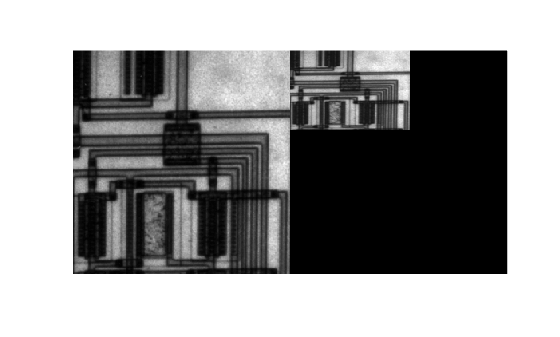
Resize an Image
Change the size of an image by specifying a multiplicative scale factor or by specifying the desired output size of the image.
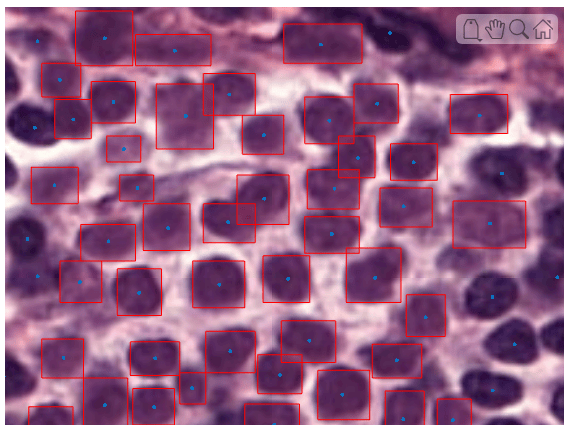
Detect Nuclei in Large Whole Slide Images Using Cellpose
Detect cell nuclei in whole slide images (WSIs) of tissue stained using hematoxylin and eosin (H&E) by using Cellpose.
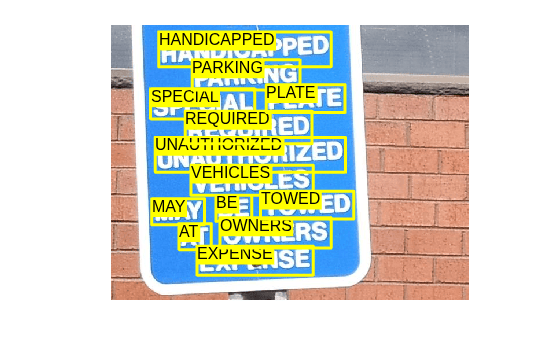
Automatically Detect and Recognize Text Using Pretrained CRAFT Network and OCR
Perform text recognition by using a deep learning based text detector and OCR.
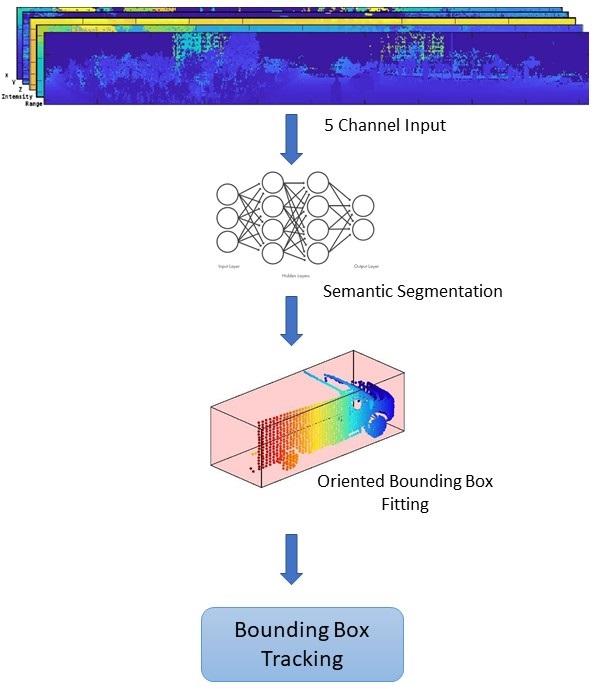
Detect, Classify, and Track Vehicles Using Lidar
Detect, classify, and track vehicles by using lidar point cloud data captured by a lidar sensor mounted on an ego vehicle.
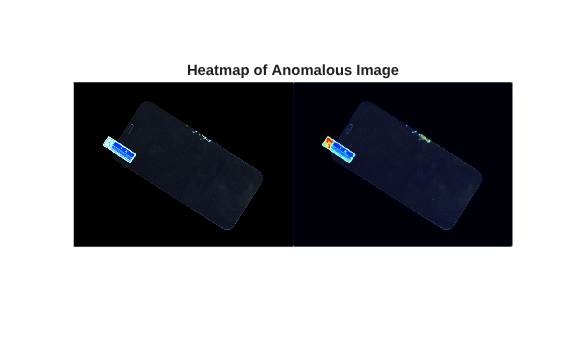
Localize Screen Manufacturing Defects Using Student-Teacher Anomaly Detector
Train a Student-Teacher anomaly detector on normal screen images, then localize manufacturing defects by comparing student and teacher feature outputs.
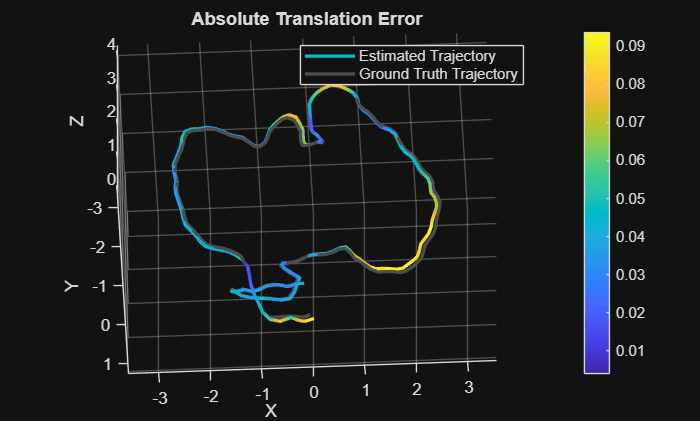
Performant and Deployable Monocular Visual SLAM
Use visual inputs from a camera to perform vSLAM and generate multi-threaded C/C++ code.
Interactive Learning
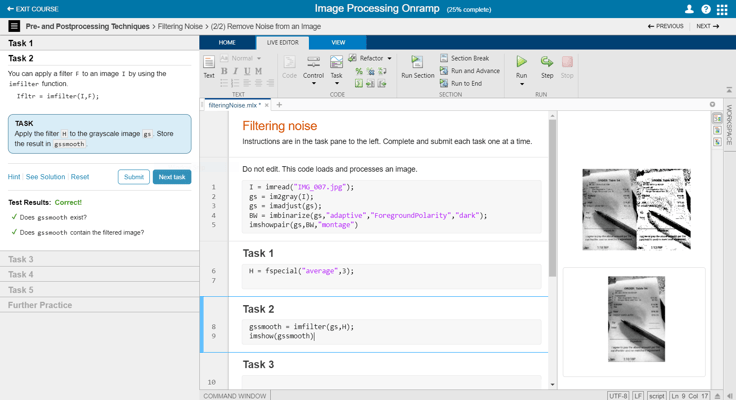
Image Processing Onramp
This free interactive tutorial provides a practical introduction to image
processing in MATLAB® in under two hours.
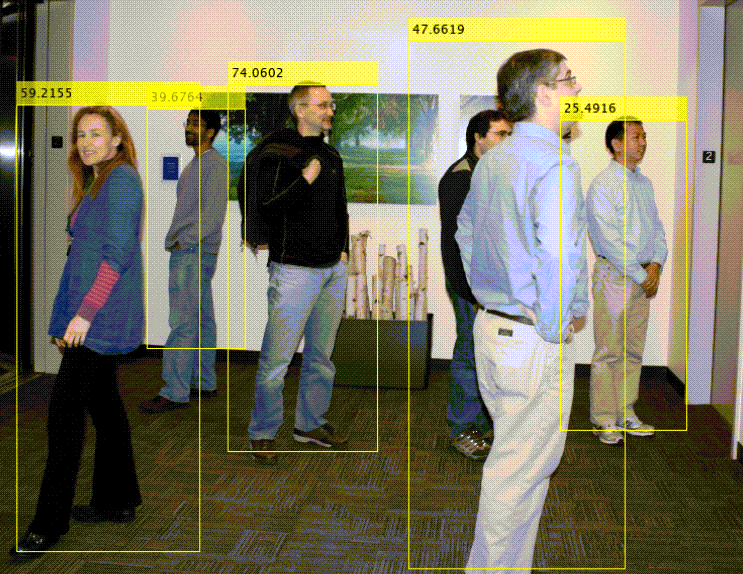
Computer Vision Onramp
Learn how to use Computer Vision Toolbox™ for object detection and tracking.
Videos
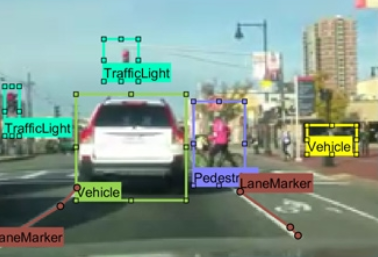
What is Computer Vision?
Discover how computer vision extends image processing to enable a wide
variety of application areas such as object detection, tracking, and
recognition.
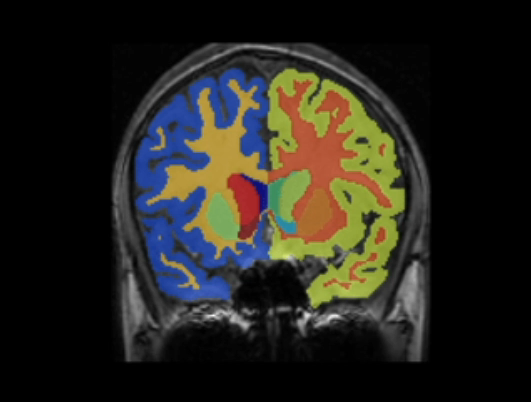
What is Medical Imaging?
Discover capabilities of Medical Imaging Toolbox™, including visualization, registration, segmentation, and
labeling.

